














Available actions
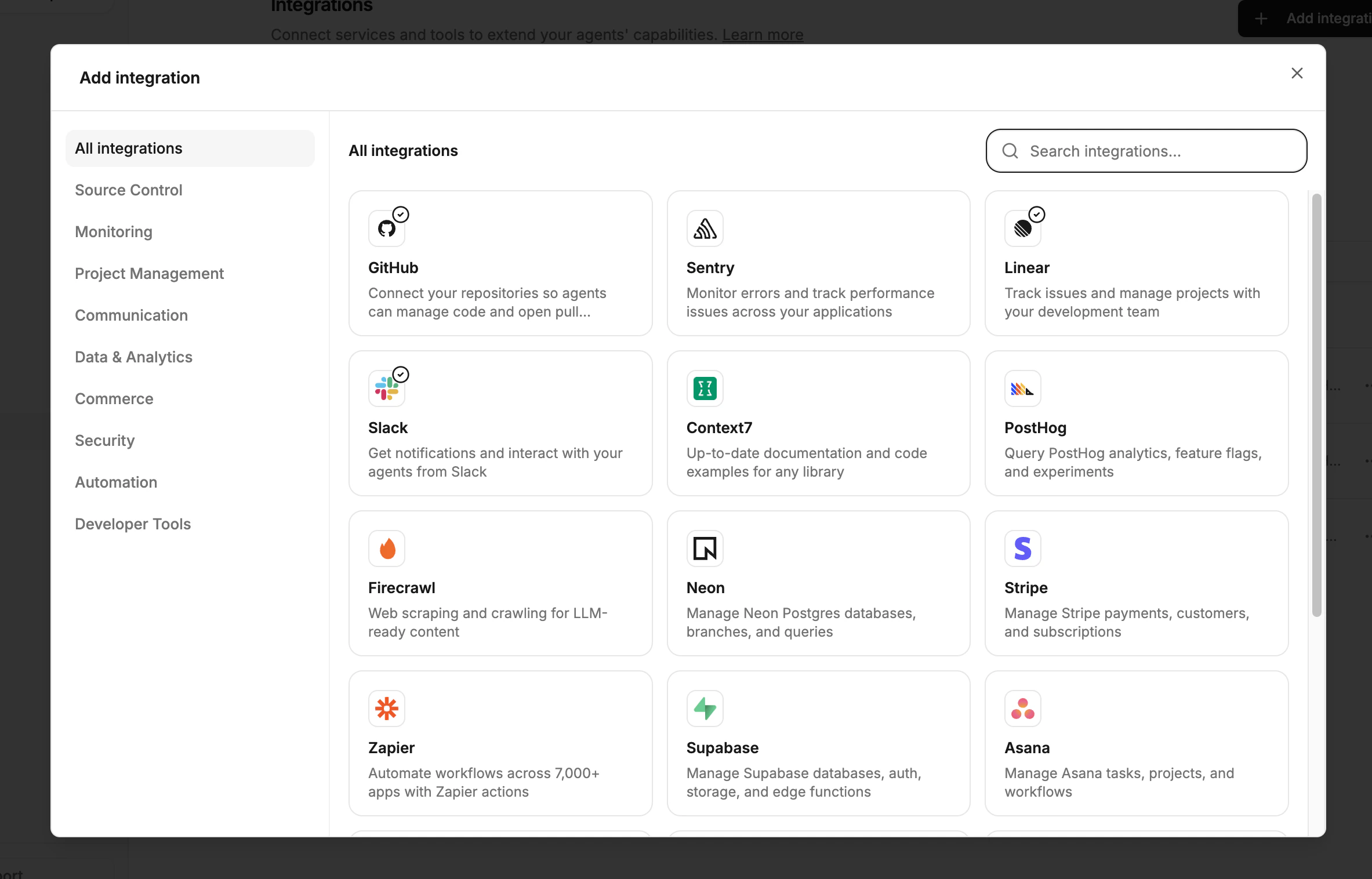
When you connect an integration, its actions become available to agents automatically. Each integration exposes a set of read, write, and danger-level operations that flow through the permission system.GitHub
Create PRs, push commits, comment on issues, merge branches, and more.
Linear
Create, update, and comment on issues. List and filter across teams and projects.
Sentry
List and inspect issues and events. Resolve, ignore, or reassign errors.
Slack
Post messages to channels and threads.
Add an MCP Server
Connect any MCP-compatible tool- Neon, Stripe, Playwright, Context7, and more.
Setting up actions
Actions are enabled by connecting integrations. No separate configuration is needed- once an integration is connected, its actions are immediately available to agents.Connect an integration
Go to Settings > Integrations and connect the services you want agents to use (GitHub, Linear, Sentry, Slack, or any MCP server).
Verify action availability
Once connected, the integration’s tools appear as available actions for agents to use.
Configure permissions
Set allow, require approval, or deny in Permissions, including automation-level overrides when needed.
Next steps
Permissions
Configure which actions are allowed, denied, or require approval.
Add an MCP Server
Connect external tools and services via Model Context Protocol.