










Available actions
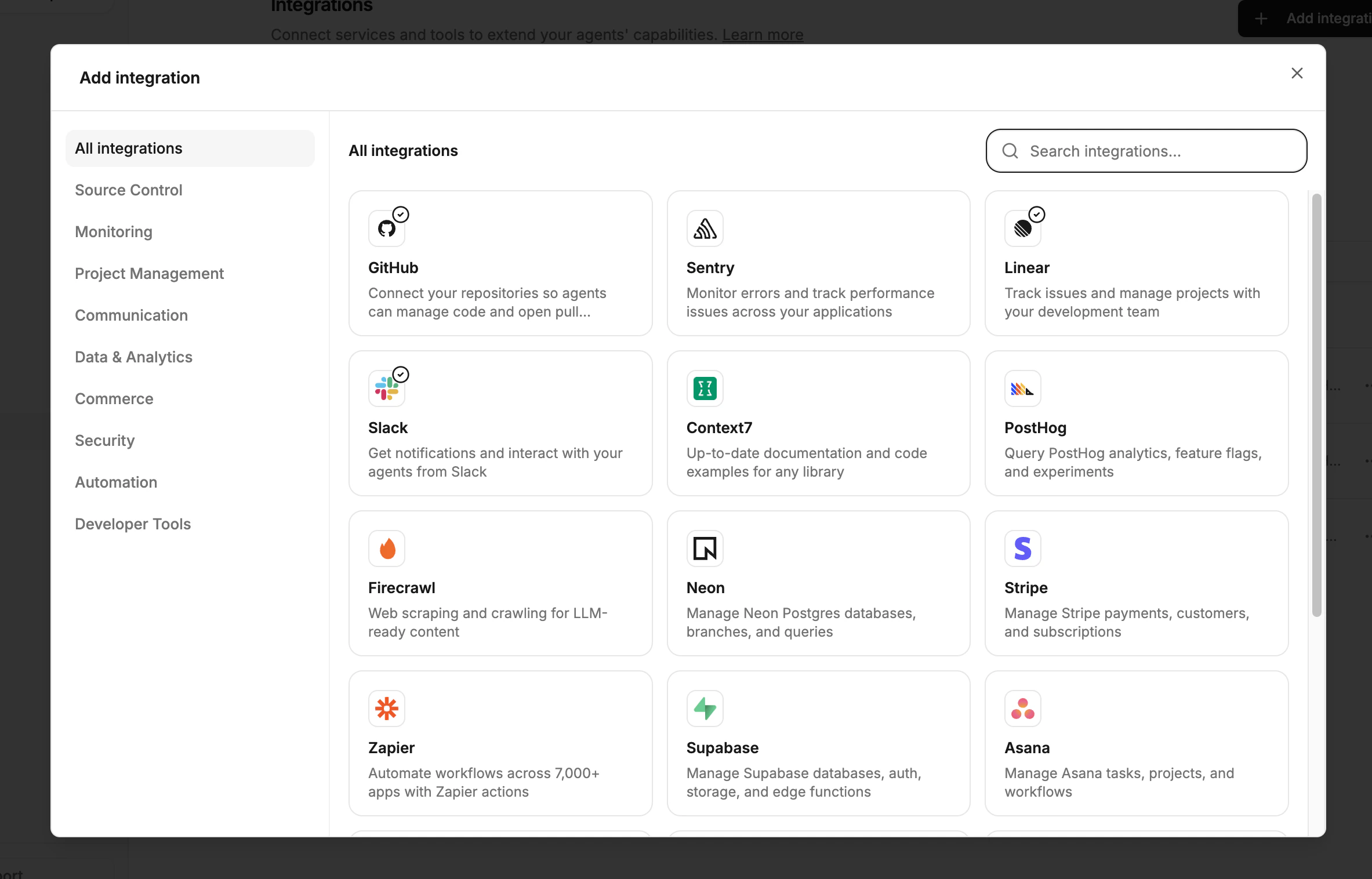
When you connect an integration, its actions become available to agents automatically. Here’s what each integration unlocks:GitHub
| Action | Risk | Description |
|---|---|---|
| Create PR | write | Open a pull request with a title, description, and branch |
| Comment on PR/issue | write | Add comments to pull requests or issues |
| Merge PR | danger | Merge an approved pull request |
| Push commits | write | Push code changes to a branch |
| Create issue | write | Create a new GitHub issue |
| Close issue | write | Close an existing issue |
Linear
| Action | Risk | Description |
|---|---|---|
list_issues | read | List issues with optional filters (team, project, pagination) |
get_issue | read | Fetch a single issue by ID or identifier (e.g. ENG-123) |
create_issue | write | Create a new issue with title, description, assignee, labels, and priority |
update_issue | write | Update an existing issue (title, description, status, assignee, priority) |
add_comment | write | Add a markdown comment to an issue |
Sentry
| Action | Risk | Description |
|---|---|---|
list_issues | read | List issues for an organization and project |
get_issue | read | Fetch a single issue by ID |
list_issue_events | read | List events for an issue |
get_event | read | Fetch a specific event by issue and event ID |
update_issue | write | Resolve, ignore, assign, or update issue status |
Slack
| Action | Risk | Description |
|---|---|---|
send_message | write | Post a message to a channel using Slack mrkdwn formatting, with optional thread replies |
MCP connector tools
Any MCP server you connect also surfaces its tools as actions. These go through the same permission and approval system. For example:- Neon gives database management tools
- Stripe gives payment and subscription tools
- Context7 gives documentation lookup
- Playwright gives browser automation
Connector tools are discovered dynamically. When an MCP server adds or changes tools, the system detects the change and requires admin re-review before auto-allowing them.
Setting up actions
Actions are enabled by connecting integrations. No separate configuration is needed — once an integration is connected, its actions are immediately available to agents.Connect an integration
Go to Settings > Integrations and connect the services you want agents to use (GitHub, Linear, Sentry, Slack, or any MCP server).
Review default permissions
Each action has a default risk level. Read actions are auto-allowed, write actions require approval, and danger actions are denied. Review these defaults in Settings > Permissions.
Risk levels
Every action has a risk level that determines its default behavior:| Risk level | Default mode | Description |
|---|---|---|
| read | allow | Read-only operations. Auto-executed. |
| write | require_approval | Creates or modifies external resources. Requires human approval. |
| danger | deny | Destructive or irreversible operations. Blocked by default. |
Approval flow
When an action requires approval:Agent requests the action
The agent calls the action through the platform. The request is recorded and the agent blocks.
